
Smarters Pro: 5 things to check before choosing

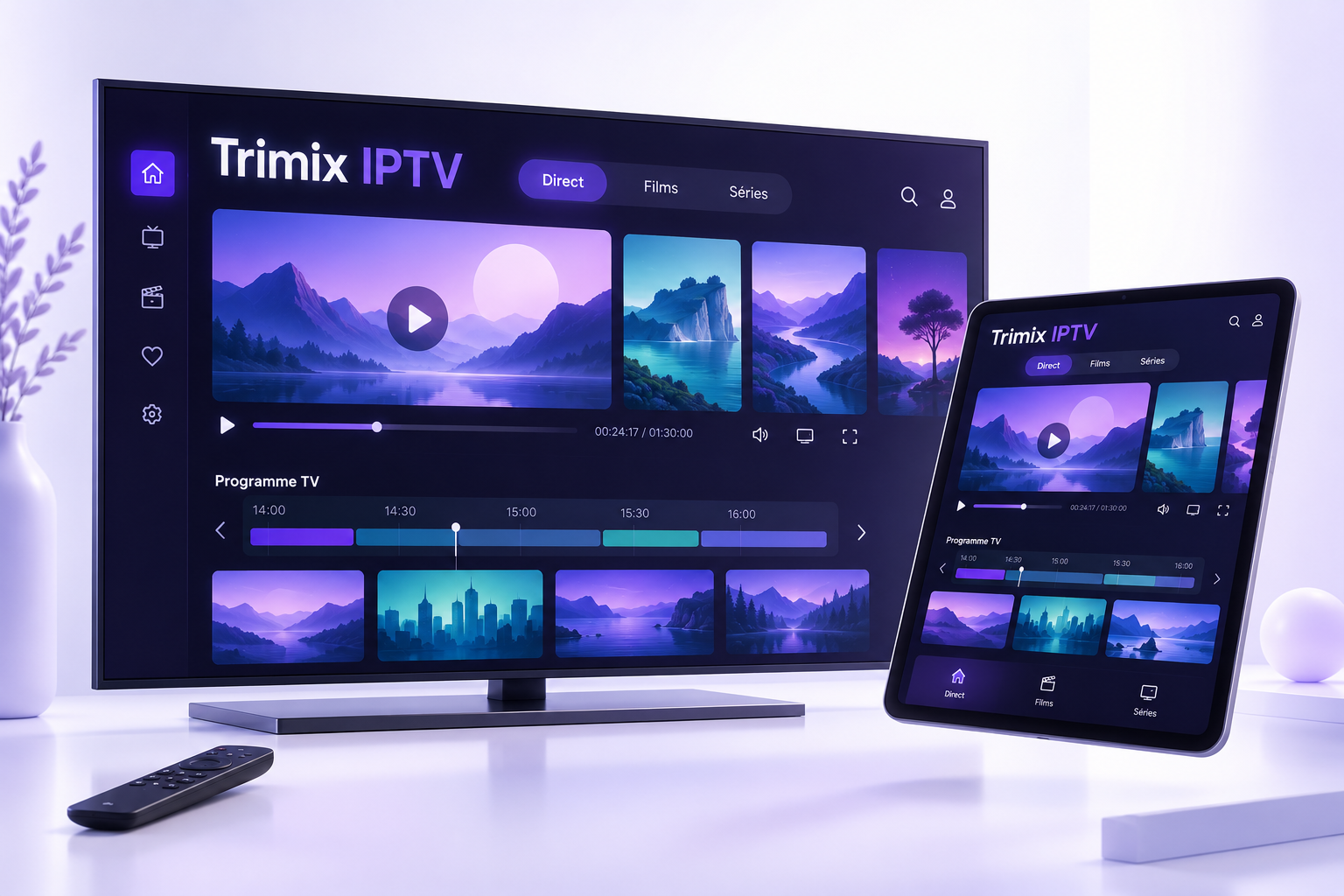
Smarters Pro should be chosen according to your device, login format and required features. Before installing it or buying a licence, check these five points and distinguish the player from your IPTV subscription. The app name alone does not guarantee compatibility or playback quality.
1. Identify the exact app
Several apps use similar names. Compare the full name and publisher shown in the store. For example, the Smarters Player Lite listing on the App Store names WHMCS SMARTERS and describes a standalone player with no content supplied. This listing does not confirm the features of every other Smarters version.
2. Separate the player, subscription and licence
The player displays media you are entitled to access with your login details. A paid app option may unlock player features without extending your IPTV subscription. Before paying, identify what you are buying, from whom and for how long. Downloading an app does not activate your plan.
3. Check your device and login format
Note your device model and operating system version. Then check whether the player accepts the details you received, such as a playlist URL or login credentials. Do not try to convert these details at random. Our Smarters app information page explains what to check before downloading.
4. Distinguish advertised features from usable features
A programme guide requires suitable data; catch-up requires support from the content and your access. A feature in the menus is not necessarily available for every programme. For recording, also check the player’s terms, storage requirements and rights associated with the media.
Similarly, multiple playback windows do not mean your subscription permits that many connections. Choose your screen count according to the streams you want to run at the same time.
5. Assess playback in your usual conditions
Once your access is active, check playback on the device and connection you will use every day. If a video stalls, try another programme to determine whether the issue is general. Then check the network, updates and connection limit. No player alone can guarantee uninterrupted playback or turn every source into 4K.
Player, licence and subscription: three different things
| Item | Purpose | What to check |
|---|---|---|
| IPTV player | An app that plays media available through your login details. | Publisher, compatible device and supported format. |
| Player licence | An optional purchase of features or permission to use the app. | Included features, duration and covered devices. |
| IPTV subscription | Access supplied according to a plan and its terms. | Duration, simultaneous streams and support process. |
The official Smarters Pro guide distinguishes provider-supplied login details from the player’s Premium upgrade. This explanation should not be generalised to every app with a similar name.
Information to prepare for support
Provide your exact device model, operating system version, full player name and, if possible, its version. Include the error message and say whether the issue affects all content or just one programme. A screenshot can help if you hide usernames, passwords and URLs containing access details.
Frequently asked questions about choosing a player
Does paying for the player extend my subscription?
An app licence and a subscription are separate purchases. Check the seller and purchase description; do not assume a Premium option renews your access.
Does multi-screen mode allow multiple connections?
An app feature does not change your plan’s simultaneous stream limit. Check both separately before using multiple devices.
What should I do before installing an app with a similar name?
Check the publisher and official listing for the version intended for your device. Do not rely solely on a logo or name in search results.
To compare durations, simultaneous screens and total cost, read our guide to choosing an IPTV subscription.
What should you choose to use Trimix IPTV?
Start with the IPTV setup guides, then compare Trimix IPTV plans by duration and screen count. If you are unsure about an app, ask support to check your model and login format before buying.
This guide presents selection criteria; it is not a report of tests across all devices.